Glamio: bookings for salons, without the phone calls
Clients book services and their favourite stylist in a few taps. Stylists see their day live. The owner runs services, staff, hours and the calendar from a web admin panel. One codebase, ready to rebrand.
Android and iPhone · Web admin · English, Spanish, French and Arabic · Light and dark
Three apps in one product
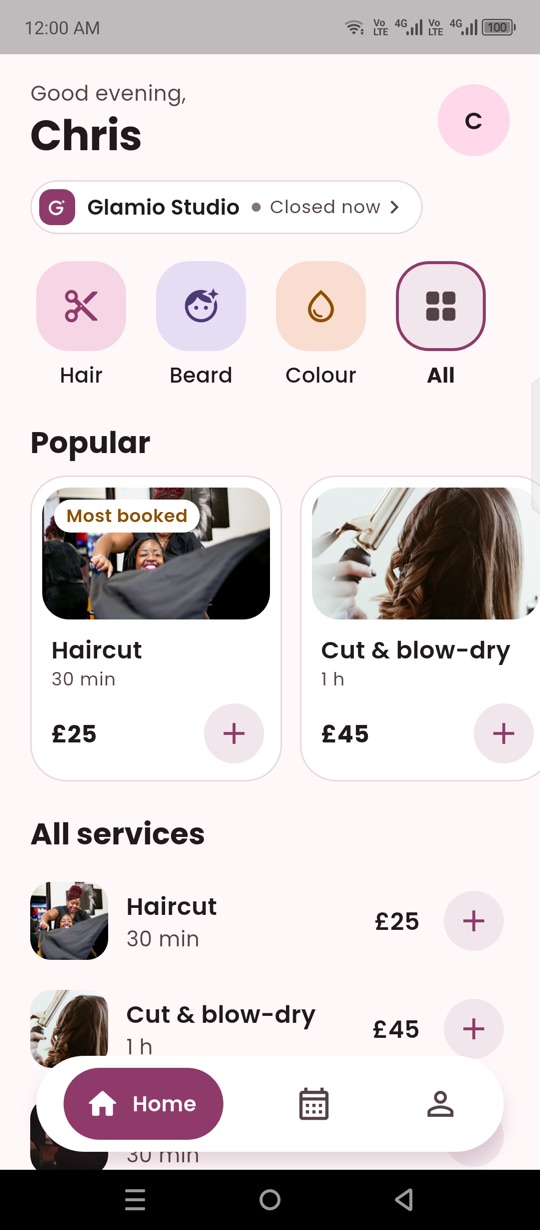
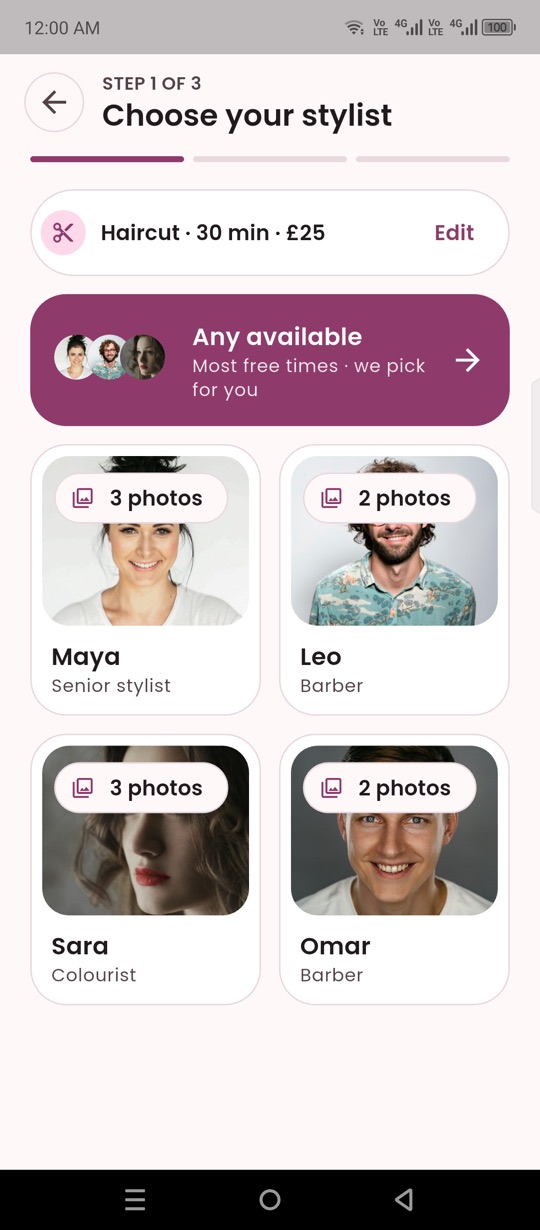
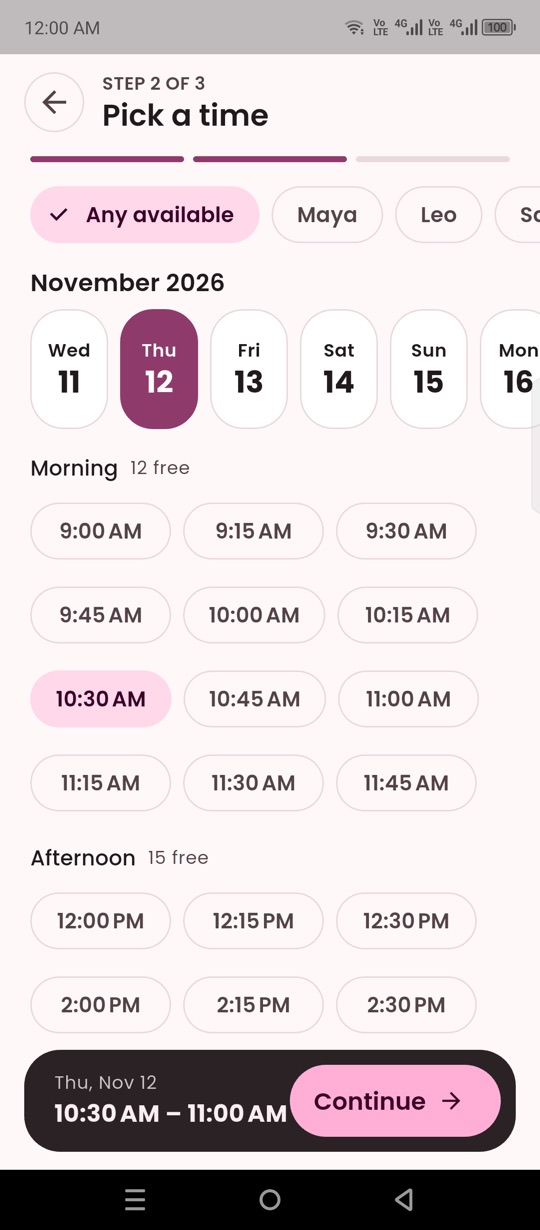
For clients
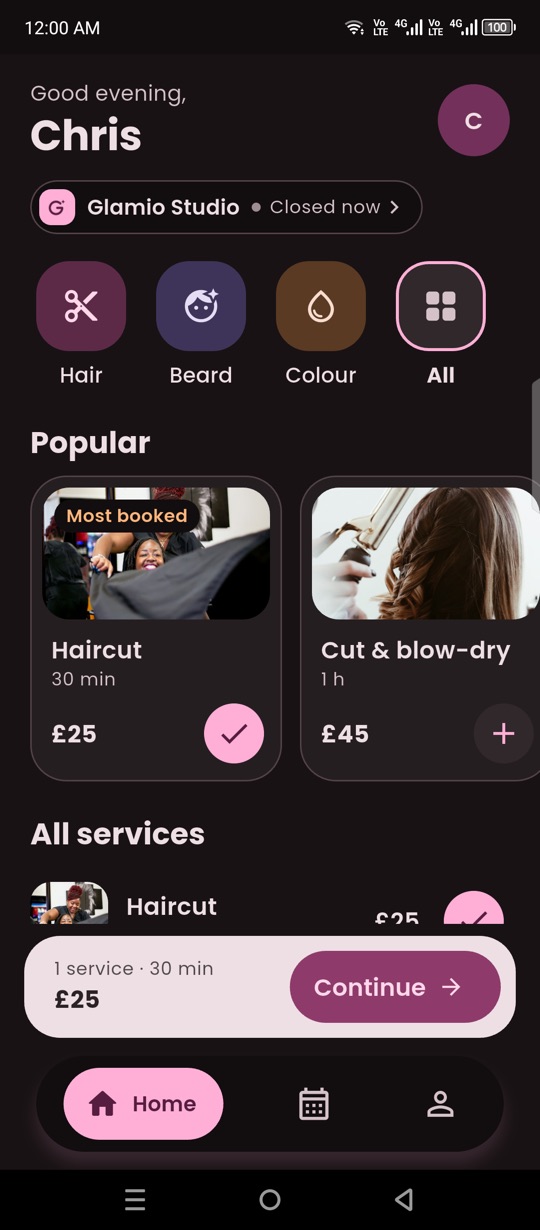
- Browse services without an account
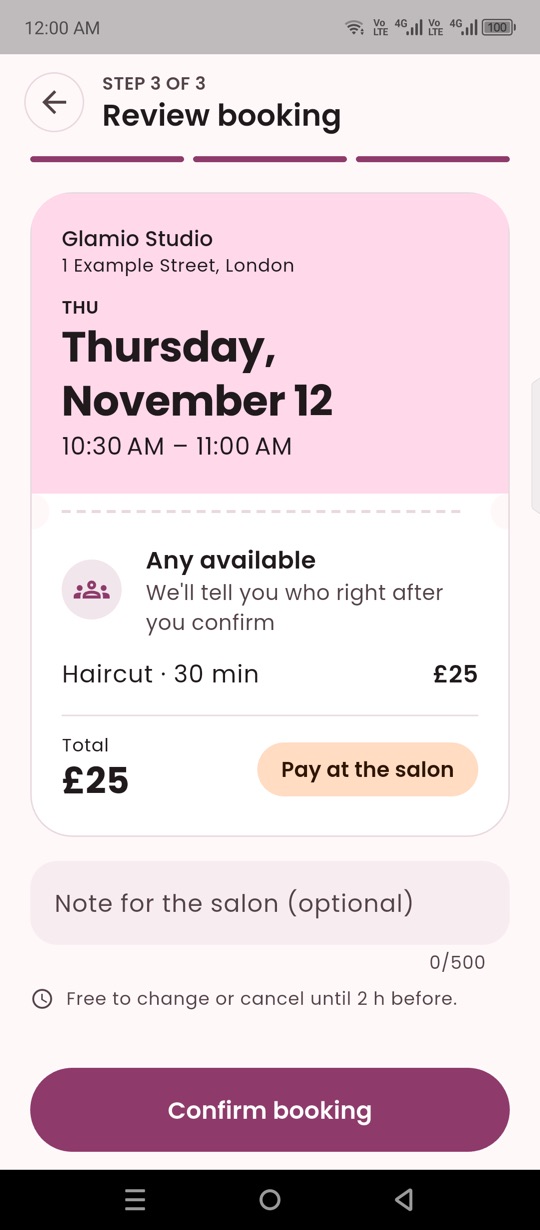
- Book one or more services together
- Choose a stylist, or "anyone available"
- See only times that are really free
- Move or cancel, with the salon's rules
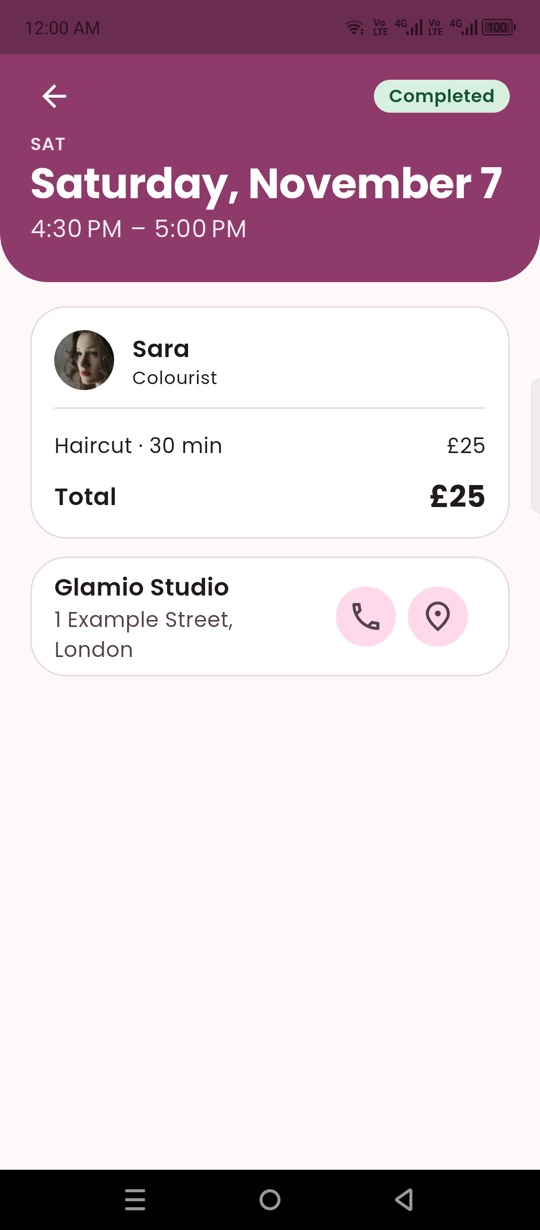
- Booking history and reminders
For stylists
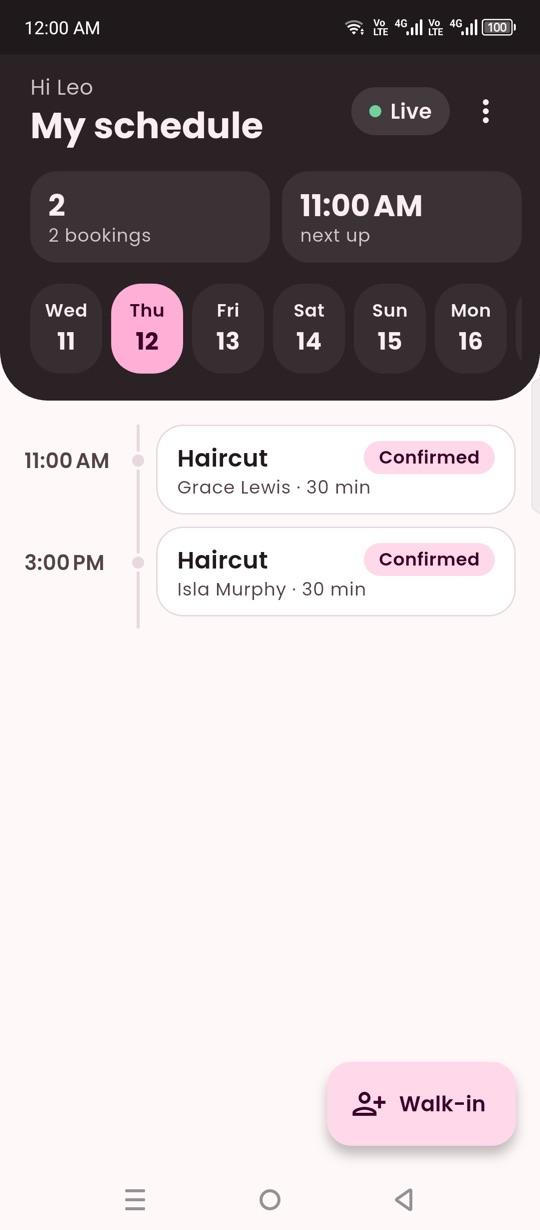
- Their own day, updated live
- Client name, phone and notes
- Mark visits completed or no-show
- Add walk-in clients
- Push notice for new and moved bookings
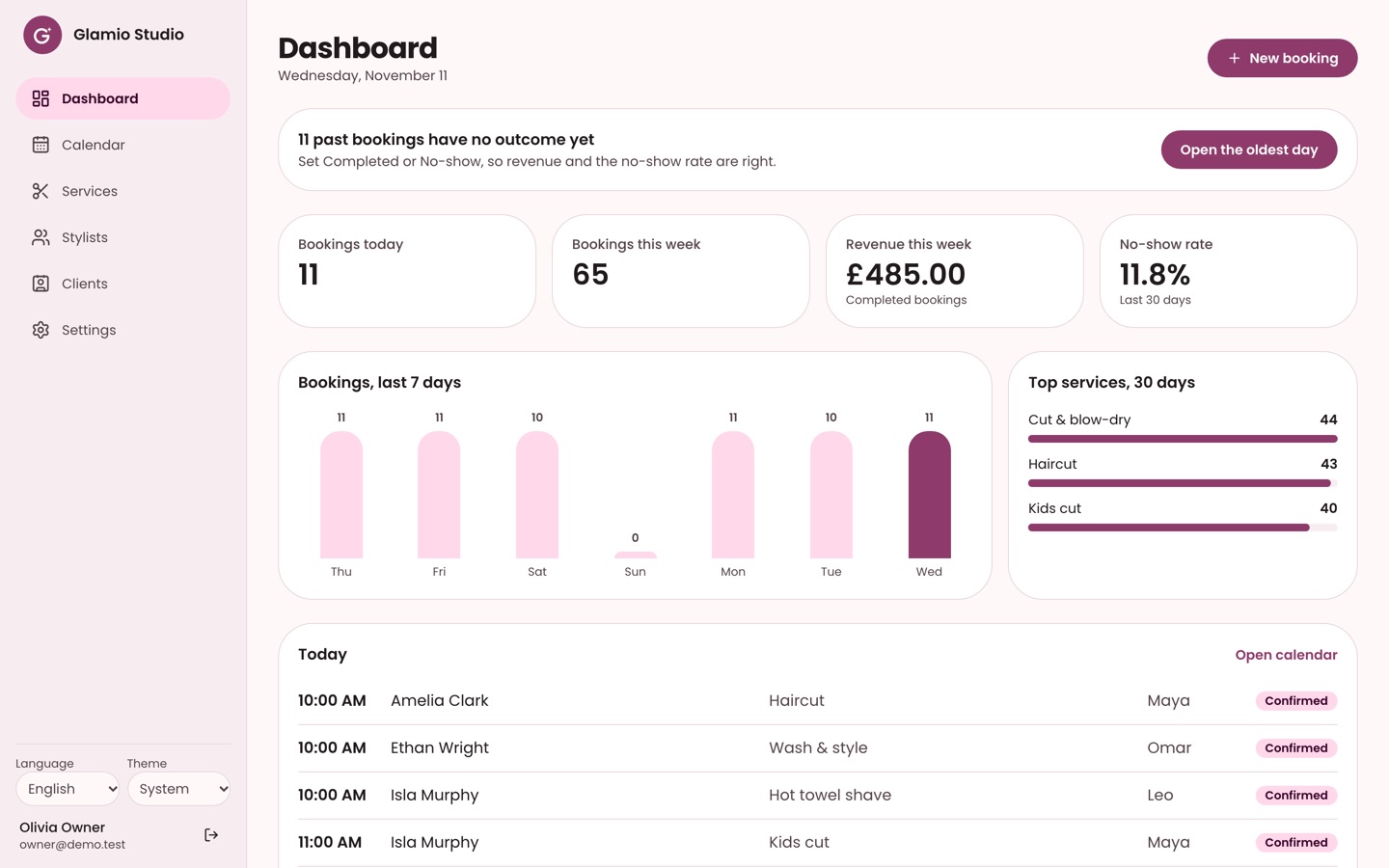
For the owner (web admin)
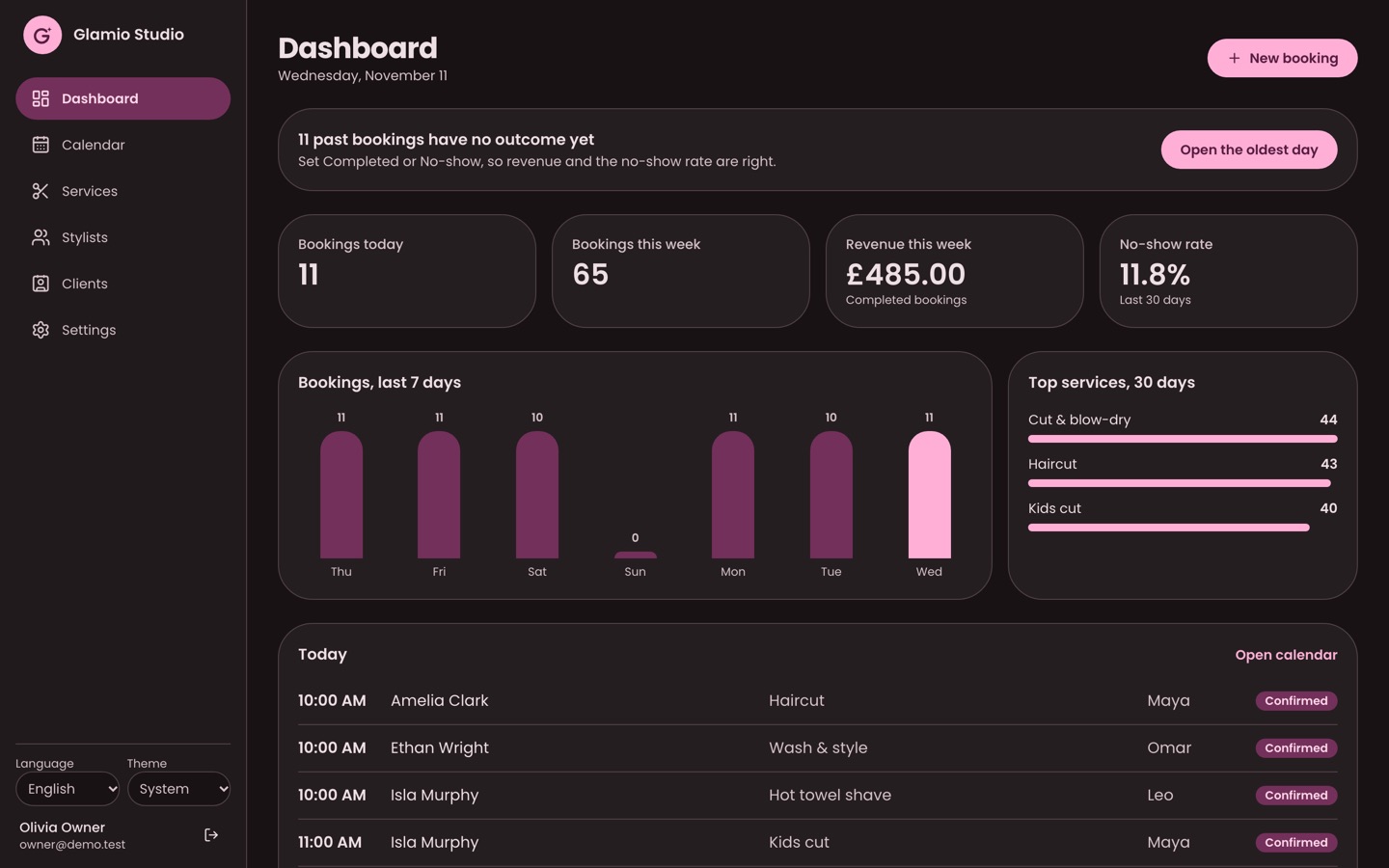
- Dashboard: bookings, revenue, no-show rate
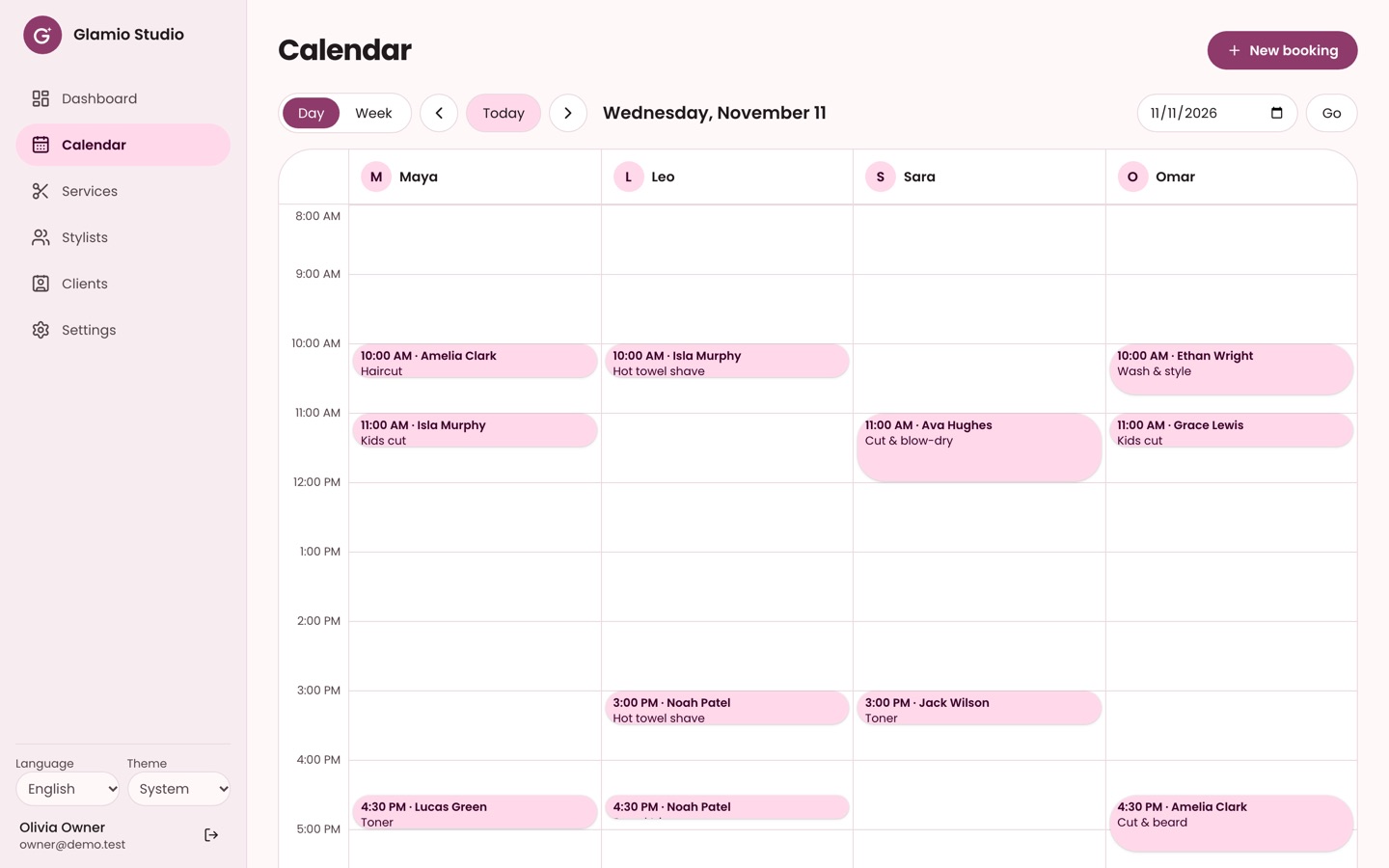
- Day and week calendar by stylist
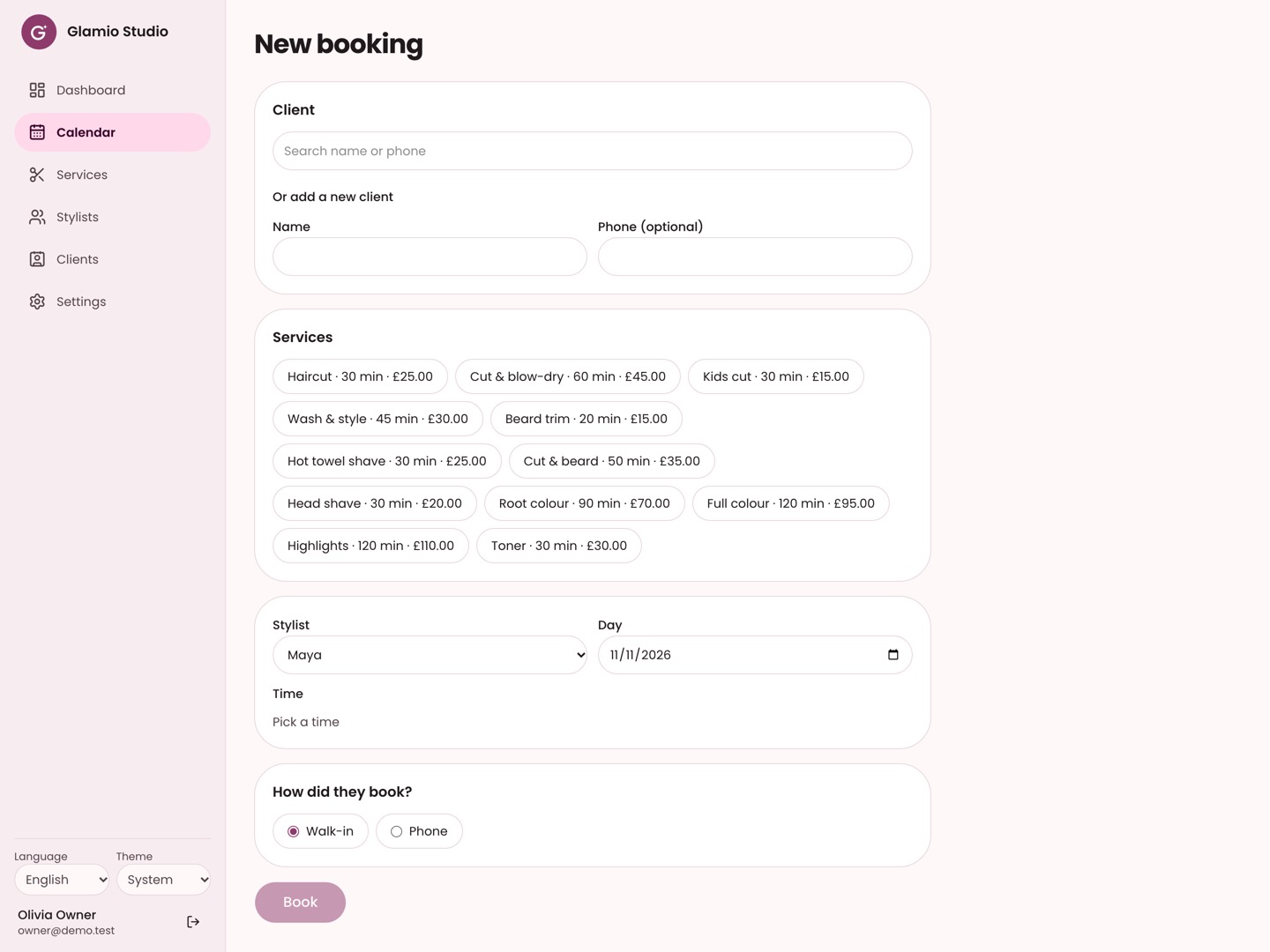
- Walk-in and phone bookings
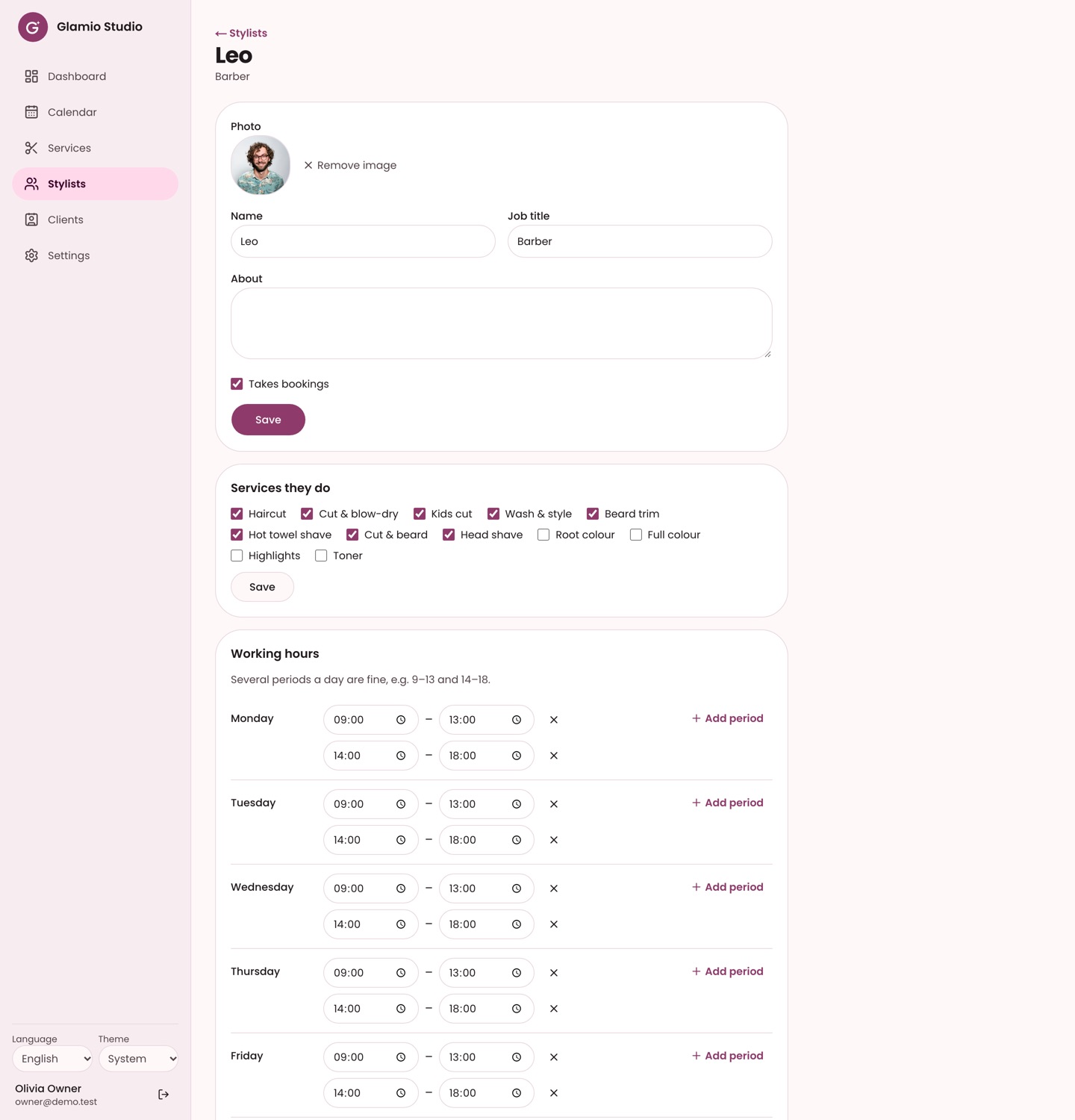
- Services, prices, staff, hours, time off
- Closures and booking rules
- Stylist portfolios and app access
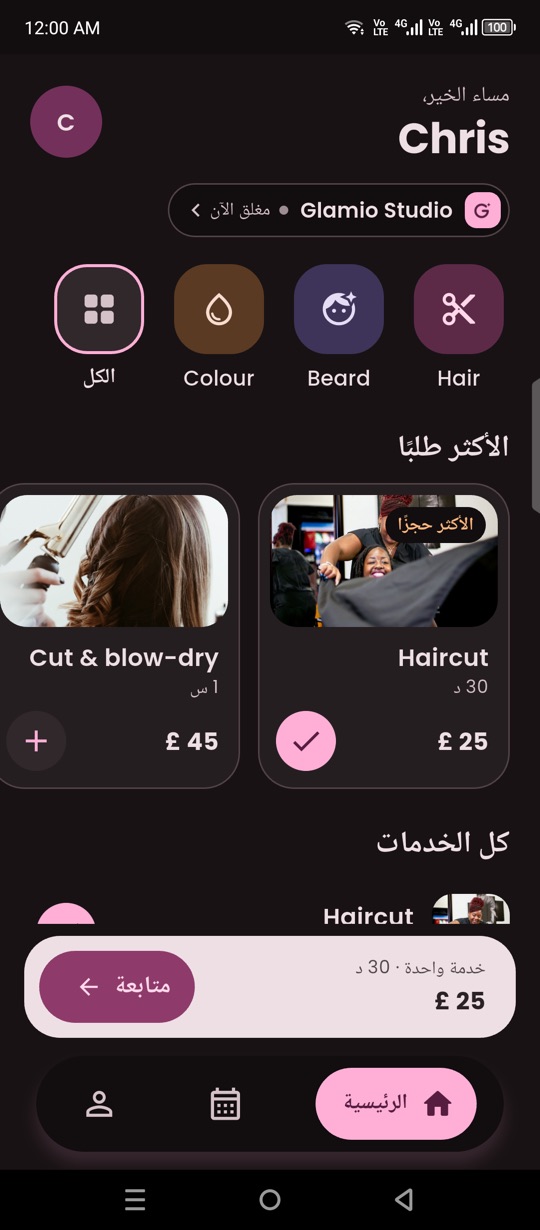
The phone app
Scroll to see more.
The web admin
Built to be trusted
No double bookings
The database itself refuses two bookings for the same stylist at the same time, even if two clients tap "Book" in the same second.
Time zones done right
Free times are worked out in the salon's own time zone, including daylight-saving days, and tested.
Secure by default
Row-level security on every table: a client sees only their own bookings, staff only their salon. Tested with 196 database tests.
Store-ready
In-app account deletion and a public delete-account page, as Google Play and the App Store require.
Easy to rebrand
Name, colours, logo, words and features live in one place. No "salon" words are hard-coded in the booking engine.
Clean code
Riverpod without code generation, a repository layer, no analyzer warnings, and automated tests for the app, the admin and the database.
Technology
| Part | Built with |
|---|---|
| Phone app | Flutter (Android and iPhone), Riverpod, go_router, slang translations, Material 3 |
| Web admin | Next.js (App Router), TypeScript, Tailwind CSS, shadcn/ui, next-intl |
| Backend | Supabase: Postgres with row-level security, Auth (email code, Google, Apple), Storage, Realtime, Edge Functions, pg_cron |
| Push notifications | Firebase Cloud Messaging, sent from a Supabase Edge Function |
| Hosting | Supabase (free plan works to start), web admin on Vercel or Netlify |
What you need
- A Supabase account (free plan is enough to start)
- Flutter and Node.js on your computer (the docs walk you through it)
- A Vercel or Netlify account for the web admin (free)
- Google Play and Apple developer accounts to publish to the stores
Good to know
- Push notifications are tested on Android; on iPhone they need your Apple Developer account
- Online payments are not included in this version
- One business per installation
- Installation and custom features are available as a paid service
See it working
Open the web admin as the demo owner, or install the demo app on an Android phone. The demo resets every night.